GSM Security Alarm System: Simple Guide for Real Protection
Contents
A GSM security alarm system uses a mobile SIM card to send alerts when it detects an intrusion, fire, or other emergency. It protects your home or business even if you do not have internet or a landline. You get calls or SMS messages directly on your phone, wherever you are.
If you want clear, reliable alerts without complex wiring or contracts, a GSM security alarm system gives you that control. You can arm, disarm, and check status from your phone and know at once if something goes wrong.
What Is a GSM Security Alarm System?
A GSM security alarm system is an alarm panel with a GSM module that uses a regular mobile network. You insert a SIM card into the panel, and the system sends SMS or calls when a sensor triggers. It works like a small mobile phone built into your alarm.
Think of it this way. Your door sensor detects movement at 2 a.m. The panel checks the signal, decides it is an alarm, then dials your number or sends a text. It does not need Wi‑Fi or a phone line to do this. It only needs mobile coverage and credit or an active plan on the SIM.
Key Parts of a GSM Security Alarm System
Most GSM security alarm systems share the same core parts. Knowing each part helps you plan what you really need and avoid paying for extras that add no value.
- Control panel: The main unit with the GSM module and SIM card slot. It receives signals from sensors and sends alerts.
- Keypad or touch screen: You use it to arm, disarm, and configure the system.
- Door and window sensors: Magnetic contacts that trigger when someone opens an entry point.
- Motion detectors (PIR sensors): They detect movement in a room or corridor.
- Indoor and outdoor sirens: They make loud noise to scare intruders and alert people nearby.
- Backup battery: Keeps the system running during power cuts.
- Remote controls or key fobs: Let you arm and disarm without entering a code.
Some systems also support extra sensors like smoke, gas, flood, and panic buttons. These connect to the same panel, so you manage all alerts from one place and receive all SMS or calls from the same GSM number.
How a GSM Security Alarm System Works
The process behind a GSM security alarm system is simple and direct. You arm the system, a sensor detects something, and the GSM module sends alerts through the mobile network.
- Arming the system: You arm it from the keypad, remote, or a mobile command by SMS or app.
- Monitoring sensors: The panel checks each sensor for open doors, motion, smoke, or other events.
- Trigger event: A sensor reports a breach, such as a door opening or motion in a protected room.
- Alarm decision: The panel checks the zone type and delay settings, then decides if it should trigger an alarm.
- Sirens and alerts: The siren sounds, and the GSM module sends SMS or calls to your preset phone numbers.
- User response: You receive the alert, check cameras or call a neighbor, and decide what to do next.
Many GSM security alarm systems also accept SMS commands. For example, you can text “ARM” to the system number to arm it, or “STATUS” to receive a reply with zone and battery status. Some newer models also support smartphone apps that use GSM data or SMS in the background.
Pros and Cons of a GSM Security Alarm System
Before you buy, weigh the main strengths and limits of a GSM security alarm system. This helps you see if it fits your home, shop, office, or remote site.
| Pros | Cons |
|---|---|
| Works without internet or landline | Needs stable mobile network coverage |
| Sends SMS and calls directly to your phone | Ongoing SIM card cost (prepaid or contract) |
| Simple installation, often wireless | Cheaper units may have weak encryption |
| Good for remote sites like farms or cabins | SMS delivery can delay during network load |
| No need for monitoring contract if you self‑monitor | If your phone is off or silent, you may miss alerts |
In many cases a GSM security alarm system makes sense as a primary or backup channel. Some advanced panels combine GSM with Ethernet or Wi‑Fi, so if one path fails, the other still sends alerts.
Core Features to Look For in a GSM Security Alarm System
Not all systems with a GSM label give you the same level of security or comfort. Focus on a few key features that directly affect safety and ease of use.
- Multi‑number calling: The system should call or text several numbers in order, not just one.
- Zone naming: Custom names like “Front Door” or “Garage” help you know exactly where the alarm fired.
- Delay and instant zones: Entry delay for main doors, instant alarm for windows and back doors.
- Arm modes: Away, Stay (home), and Night modes for flexible protection.
- Event log: History of arm, disarm, alarms, and power failures.
- Encryption and anti‑jamming: Secure wireless signals between sensors and panel.
- Battery backup time: At least several hours, ideally 12–24 hours.
- App or SMS control: Clear, simple commands and status replies.
If you live in an area with frequent power cuts or weak mobile signal, give extra weight to backup battery capacity and antenna quality. A small external GSM antenna can make a big difference inside thick walls.
GSM vs Wi‑Fi vs Traditional Landline Alarms
You often see GSM security alarm system options next to Wi‑Fi or landline alarms. The right choice depends on what you already have and how much independence you want from local infrastructure.
Wi‑Fi alarms depend on your internet and router. They give rich apps and cloud features but fail if your internet goes down or if someone cuts the cable. Landline alarms use phone lines, which are rare in new homes and easy to cut from outside.
A GSM security alarm system stays independent. As long as the mobile network works and the SIM has credit, it sends alerts. Many users choose hybrid systems with GSM plus Wi‑Fi or Ethernet for extra redundancy.
Real Use Cases for a GSM Security Alarm System
A GSM security alarm system fits many real situations where normal alarm lines do not reach or are not stable. Here are some common examples you can relate to.
- Remote cabins and holiday homes: No internet, no landline, but mobile coverage is enough for calls and SMS.
- Small shops and kiosks: Owners want direct alerts on their phones without paying for central monitoring.
- Farms and warehouses: Large areas with few people around, where fire, theft, or power failure needs quick notice.
- Construction sites: Temporary locations with valuable tools and materials, where a quick‑to‑install GSM system protects containers and storage rooms.
- Elderly care: Panic buttons linked to a GSM panel call family members or caregivers at once.
In each case the GSM security alarm system acts as a simple bridge between the site and your phone. You do not depend on third parties to pass on alerts, and you can respond in your own way.
How to Choose the Right GSM Security Alarm System
You avoid many problems if you follow a clear process before you buy. Measure your space, list your priorities, and then compare systems based on facts, not only on price or fancy apps.
- Map your property: Count doors, windows, and key rooms. Decide where you need motion sensors and sirens.
- Check mobile coverage: Test signal strength indoors with your phone on the same network you plan to use.
- Define your alerts: Decide if you want SMS, calls, app alerts, or a mix. Some people prefer calls for critical alarms.
- Set a budget: Include the panel, sensors, sirens, SIM card cost, and any monthly plan.
- Review security features: Look for anti‑tamper protection, encryption, and event logs.
- Plan for growth: Choose a system that supports more zones and sensors than you need right now.
- Check support and updates: Make sure you can get manuals, firmware updates, and spare parts.
Once you shortlist 2–3 models, compare their GSM functions line by line. Check how many numbers they can call, how many SMS templates they support, and how easy it is to program them from the keypad or app.
Basic Installation Tips for GSM Security Alarm Systems
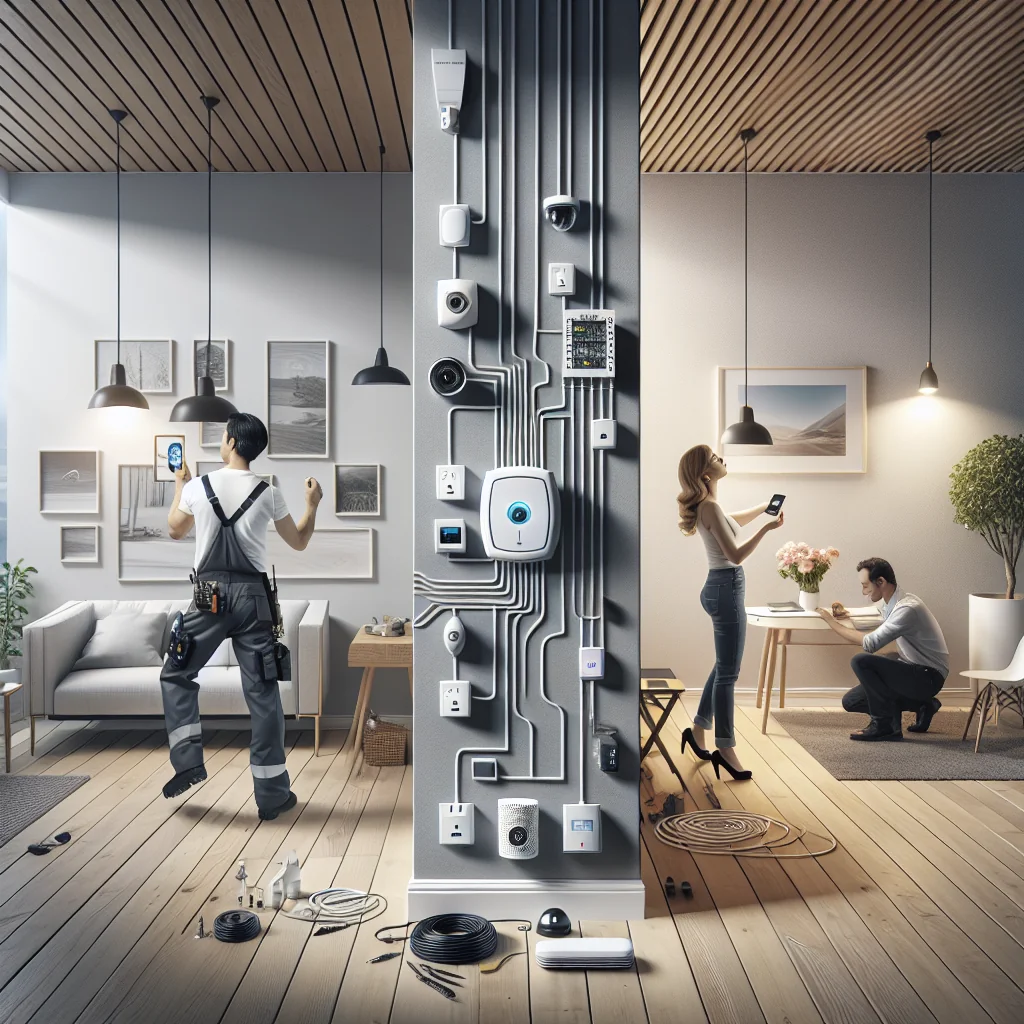
Many GSM security alarm systems support DIY installation. Even if you hire a technician, it helps to understand the basics so you can check their work and adjust settings later.
- Place the control panel in a hidden but accessible spot, not right next to the main door.
- Test GSM signal at the panel location before you mount it permanently.
- Mount door sensors so magnets align closely when the door is shut.
- Place motion detectors at 2–2.4 meters height, covering entry paths, not just walls.
- Install the siren where it is hard to reach but loud enough inside and outside.
- Label each sensor zone clearly during setup to avoid confusion later.
After installation, run several test alarms. Arm the system, open each door, walk in front of each motion detector, and check if you receive calls or SMS from the GSM security alarm system within a few seconds.
Security Best Practices for GSM Alarm Users
A GSM security alarm system raises your safety, but you still need good habits. Small steps greatly reduce false alarms and weak spots that intruders can use.
- Use strong PIN codes and change default passwords at once.
- Limit who can arm, disarm, or change settings.
- Check SIM balance or plan status regularly so alerts do not fail.
- Test the system monthly, including sirens and GSM alerts.
- Update firmware if the manufacturer releases security fixes.
- Check backup battery health once or twice a year.
Share clear instructions with family members or staff. Show them how to disarm the system, what to do if they trigger a false alarm, and who to call if they receive an emergency SMS from the GSM security alarm system.
Is a GSM Security Alarm System Right for You?
If you need reliable alerts without depending on internet or landlines, a GSM security alarm system is a strong option. It fits remote properties, small businesses, and anyone who wants direct control over security alerts.
Start by checking your mobile coverage and listing your key entry points and risks. Then choose a GSM security alarm system that covers those points, supports clear SMS and call alerts, and gives you room to expand. With careful setup and simple routines, you gain a clear, direct line between your property and your phone, day and night.