Contents
A security alarm system protects people, property, and assets by detecting intrusions and triggering alerts. It adds a strong layer of protection to homes, offices, shops, and warehouses. The right setup reduces risk, speeds up response, and gives clear information during an incident.
What Is a Security Alarm System?
A security alarm system is a group of devices that work together to detect unauthorised entry, trigger sirens, and send notifications. It usually connects sensors, a control panel, and some form of communication such as a phone line, internet, or cellular network. The system can be simple for a small flat or complex for a large site with many zones.
Key Components of a Security Alarm System
Most systems share the same core parts, even if brands and models differ. Understanding each part helps you compare products and avoid weak links in your setup.
- Control panel: The central unit that receives signals, decides what to do, and triggers alarms or alerts.
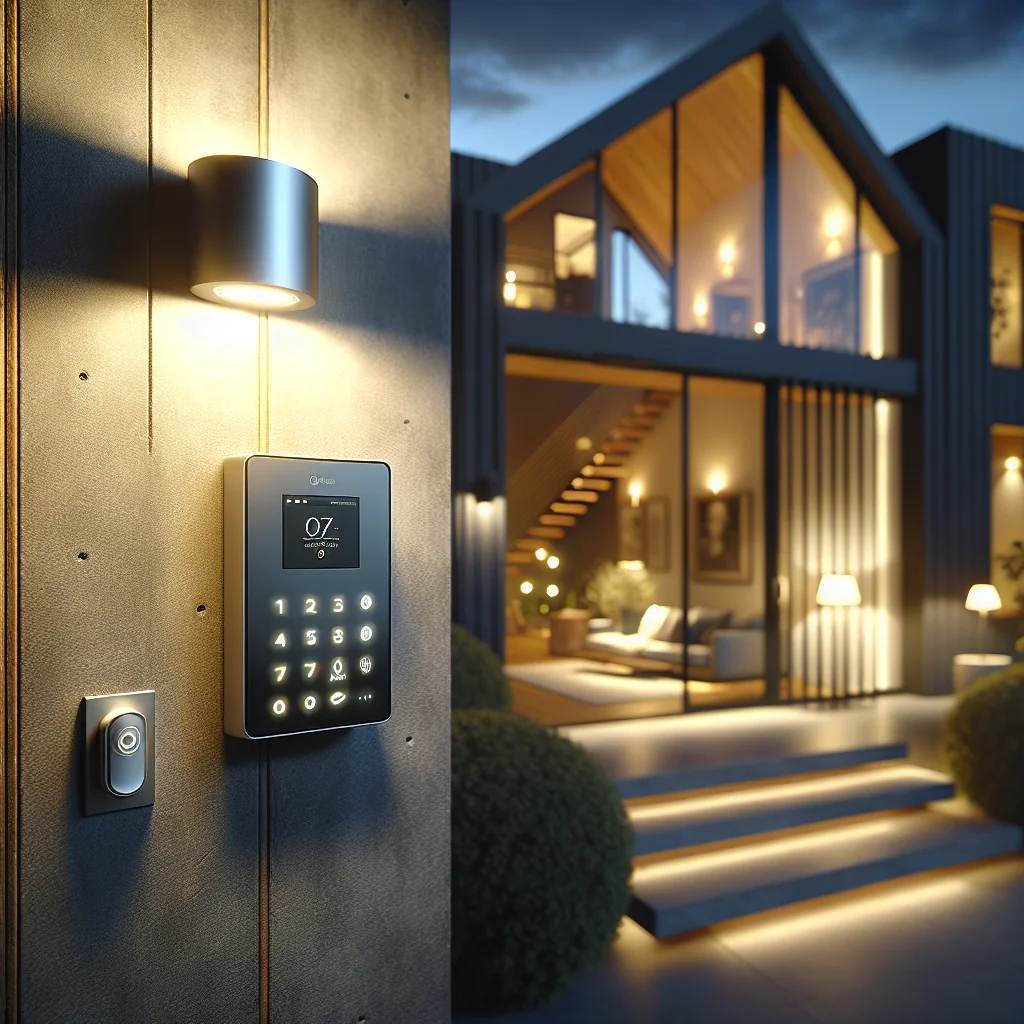
- Keypad or app: The interface you use to arm, disarm, and view system status.
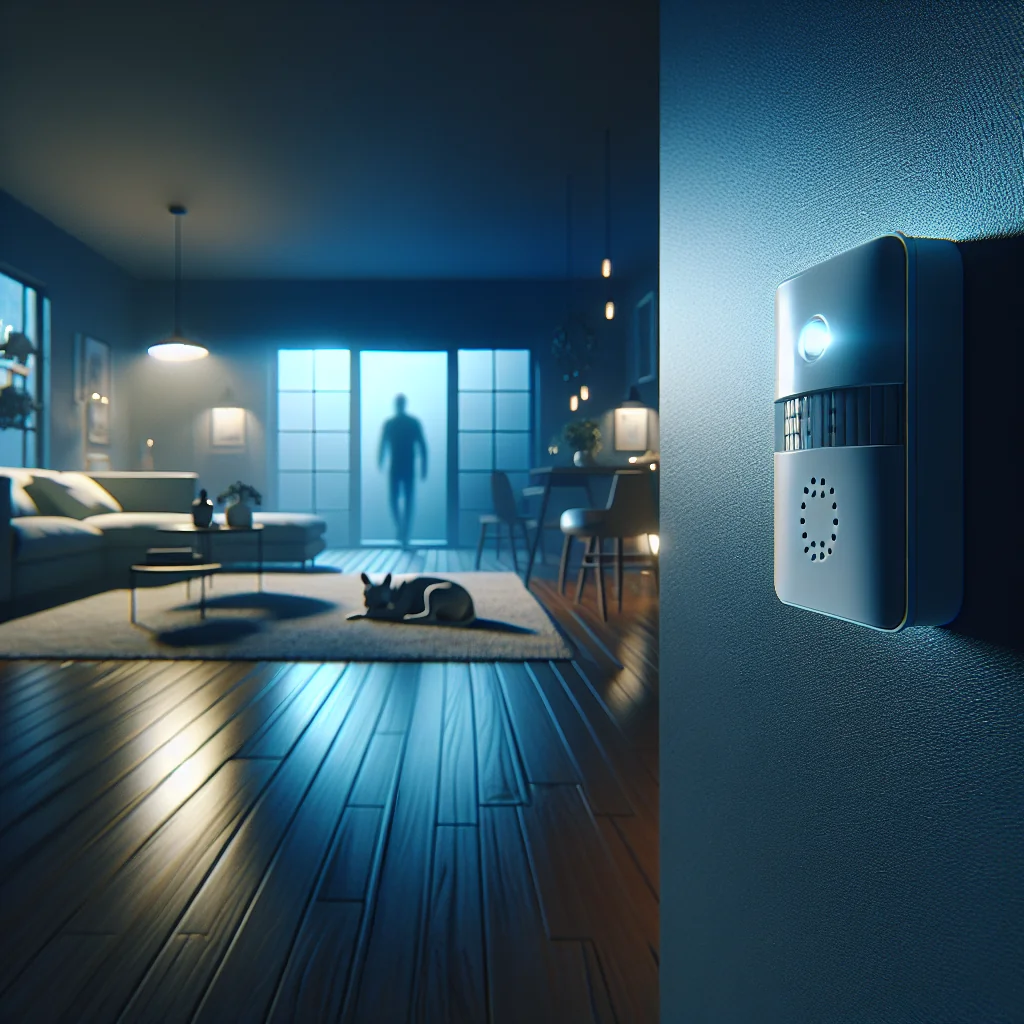
- Motion sensors: Detect movement in a room or corridor.
- Door and window contacts: Detect if an entry point opens while the system is armed.
- Glass break sensors: Detect the sound or vibration of breaking glass.
- Sirens: Emit loud sound to scare intruders and alert people nearby.
- Communication module: Sends alerts to your phone or a monitoring center.
- Backup power: Battery that keeps the system running during a power cut.
In a small home, you might use one control panel, a few door contacts, and one motion sensor in a hallway. In a large office, you may divide the building into many zones with several keypads and a mix of internal and external sensors.
How a Security Alarm System Works
A security alarm system follows a simple chain of events. Each step is clear, predictable, and easy to test during setup.
- Arming: You arm the system via keypad, key fob, or mobile app.
- Monitoring: Sensors watch for movement, opening doors, or other triggers.
- Detection: A sensor detects an event, such as a door opening at night.
- Signal: The sensor sends a signal to the control panel.
- Verification: The control panel checks the signal against system rules and entry/exit delays.
- Alarm: The system activates sirens and sends alerts via SMS, push notification, call, or monitoring link.
- Response: You, a keyholder, or a monitoring center reacts by checking cameras or calling security or police.
This chain repeats for each event. A well-configured system reduces false alarms by using delays, entry codes, and smart sensor placement, while still reacting fast to real threats.
Main Types of Security Alarm Systems
Different buildings and budgets need different types of security alarm system. The table below gives a quick comparison of common options.
| Type | Connection | Main Use | Key Strength | Key Limitation |
|---|---|---|---|---|
| Wired system | Cables between all devices | Large homes, offices, warehouses | Stable and low interference | Harder and slower to install |
| Wireless system | Radio signals between devices | Flats, rented spaces, small shops | Quick install, easy to expand | Battery changes and signal range limits |
| Hybrid system | Mix of cables and wireless links | Sites with both old and new areas | Flexible for upgrades | More complex configuration |
| Monitored system | Links to a monitoring center | High-risk homes and businesses | Professional response and logging | Monthly fee |
| Self-monitored system | Alerts to your phone or email | Budget setups and tech-savvy users | No ongoing contract | Relies on your availability |
A small shop in a rented unit often uses a wireless, self-monitored setup to avoid drilling and contracts. A cash-heavy business or remote warehouse often pairs a wired or hybrid system with 24/7 monitoring for faster response.
Core Features to Look For in a Security Alarm System
Beyond basic detection, a modern security alarm system can add smart features that improve control and reduce false alerts. Focus on features you will use daily, not just long lists on a spec sheet.
- Zones and partitions: Let you arm some areas while others stay disarmed, such as arming storage while staff work in the office.
- Entry and exit delays: Give you time to enter, disarm, or leave without triggering an alarm.
- Remote control: Arm and disarm from a phone app, useful if a cleaner or guest needs access.
- Event logs: Record who armed or disarmed the system and when, useful for audits.
- Integration with CCTV: Link alarms with cameras to see live video when a sensor triggers.
- Pet-friendly sensors: Ignore movement from small pets to reduce false alarms.
- Multiple communication paths: Use internet and cellular backup so alerts keep sending if one path fails.
In practice, features such as remote control and clear event logs get the most daily use. They make the system easier to manage and help you understand what happened after an alarm.
How to Choose the Right Security Alarm System
Choosing a security alarm system is easier if you follow a clear sequence. This reduces guesswork and keeps the focus on actual risk, not just price or brand names.
- Assess your property: List entry points, blind spots, and high-value areas. Note if you own or rent.
- Define your risk level: Consider local crime data, past incidents, and what an intruder could gain.
- Set a budget: Include hardware, installation, and any monitoring fees.
- Pick wired, wireless, or hybrid: Match this to building layout and installation limits.
- Decide on monitoring: Choose between professional monitoring and self-monitoring.
- Plan sensor layout: Map where to place motion sensors, door contacts, and sirens.
- Check compatibility: Ensure all devices, apps, and communication modules work together.
- Review support: Look for clear documentation, firmware updates, and local service options.
For example, a family in a three-bedroom house might choose a wireless, self-monitored kit with one keypad, one indoor siren, three door contacts, and two motion sensors. A small factory might invest in a wired, monitored system with outdoor beams and a louder external siren.
Installation: DIY vs Professional
Both DIY and professional installation can work well for a security alarm system. The best option depends on your skills, time, and the scale of the site.
DIY installation suits small, wireless systems with clear instructions. You mount sensors, link them to the control panel, test each zone, and set user codes. This keeps costs low and gives you direct knowledge of every device.
Professional installation suits larger or higher-risk sites. Technicians can hide cables, plan zones, and test communication paths. They also fine-tune sensor sensitivity to reduce false alarms from pets, air conditioning, or street noise.
Reducing False Alarms
A good security alarm system should be loud during real threats and quiet during normal life. False alarms waste time, annoy neighbours, and in some regions can lead to fines.
- Place motion sensors away from windows with direct sunlight or moving curtains.
- Use pet-immune sensors if you have animals and set the correct height and angle.
- Set realistic entry and exit delays based on how long you need to reach the keypad.
- Train all users on arming, disarming, and what to do if they trigger an alarm by mistake.
- Schedule regular tests to confirm that each sensor sends a clear, expected signal.
Simple steps like adjusting one sensor angle or increasing the delay by a few seconds can cut false alarms sharply while keeping security strong.
Maintenance and Testing
Any security alarm system needs light but regular care. This keeps detection reliable and communication paths ready for real incidents.
Test your system monthly. Arm it, trigger each sensor on purpose, and confirm that sirens and alerts work. Replace batteries in wireless sensors before they fail; many control panels show low-battery warnings, so do not ignore them. For wired systems, check that cables and devices stay dry, clean, and free from damage or corrosion.
Once or twice a year, review your setup. If you add a new door, change office layout, or start storing higher-value goods, update zones and sensor placement. A security alarm system should match your current layout, not the layout you had years ago.
Security Alarm System vs CCTV: Better Together
A security alarm system and CCTV serve different roles. The alarm system detects and alerts; cameras record and provide visual proof. Many modern setups link both for stronger protection.
In a linked system, an alarm from a motion sensor can trigger camera recording and send a video clip to your phone. You can then see if the trigger was a cat, a staff member, or an intruder. This speeds up decisions and gives better information to security or police if they attend.
For high-risk properties, pairing a security alarm system with CCTV, good locks, lighting, and clear access rules creates a layered defence. Each layer covers gaps in the others and makes intrusion harder and riskier for offenders.
Final Thoughts
A well-planned security alarm system does more than sound a siren. It shapes how quickly you spot threats, how clearly you see events, and how fast you respond. By understanding components, types, features, and basic setup, you can choose a system that fits your property, budget, and daily habits.
Start with your real risks, map your site, and pick a security alarm system that you can test, maintain, and trust. Good security is not about fear; it is about control, clarity, and peace of mind.