Home Alarm System With Monitoring: Clear Guide for Homeowners
Contents
A home alarm system with monitoring gives you more than noise and flashing lights. Professional staff watch your alarm signals and respond when something looks wrong. This guide explains how monitored systems work, what they include, and how to decide if monitoring is worth the cost for your home.
What a Home Alarm System With Monitoring Actually Does
A basic alarm only makes sound at your house. A home alarm system with monitoring sends alerts to a monitoring center as well. Trained operators see those alerts and follow a set script to help protect your home and family.
When a sensor triggers, the system sends a signal through the internet, cellular network, or landline. The monitoring team checks the type of alert, tries to contact you, and may call emergency services if needed. This process gives you backup, even when you are asleep, at work, or on vacation.
Monitored systems can handle more than break-ins. Many also watch for fire, carbon monoxide, water leaks, and medical emergencies, depending on the devices you add.
Main Parts of a Monitored Home Alarm System
Most monitored systems share the same core parts, even if brands differ. Understanding these parts helps you compare options and avoid paying for things you do not need.
The system starts with a control panel or base station, which talks to all your sensors and the monitoring center. You then add entry sensors, motion detectors, and other devices based on your home layout and risk level.
Some systems are fully wired, some are wireless, and many are a mix. Wireless systems are common in existing homes because they are easier to install and expand.
Key Components in a Home Alarm System With Monitoring
Here are the most common pieces you will see in a monitored alarm package. You do not need every device, but you should understand what each one does before choosing.
- Control panel or hub: The brain of the system that links sensors, sirens, apps, and the monitoring center.
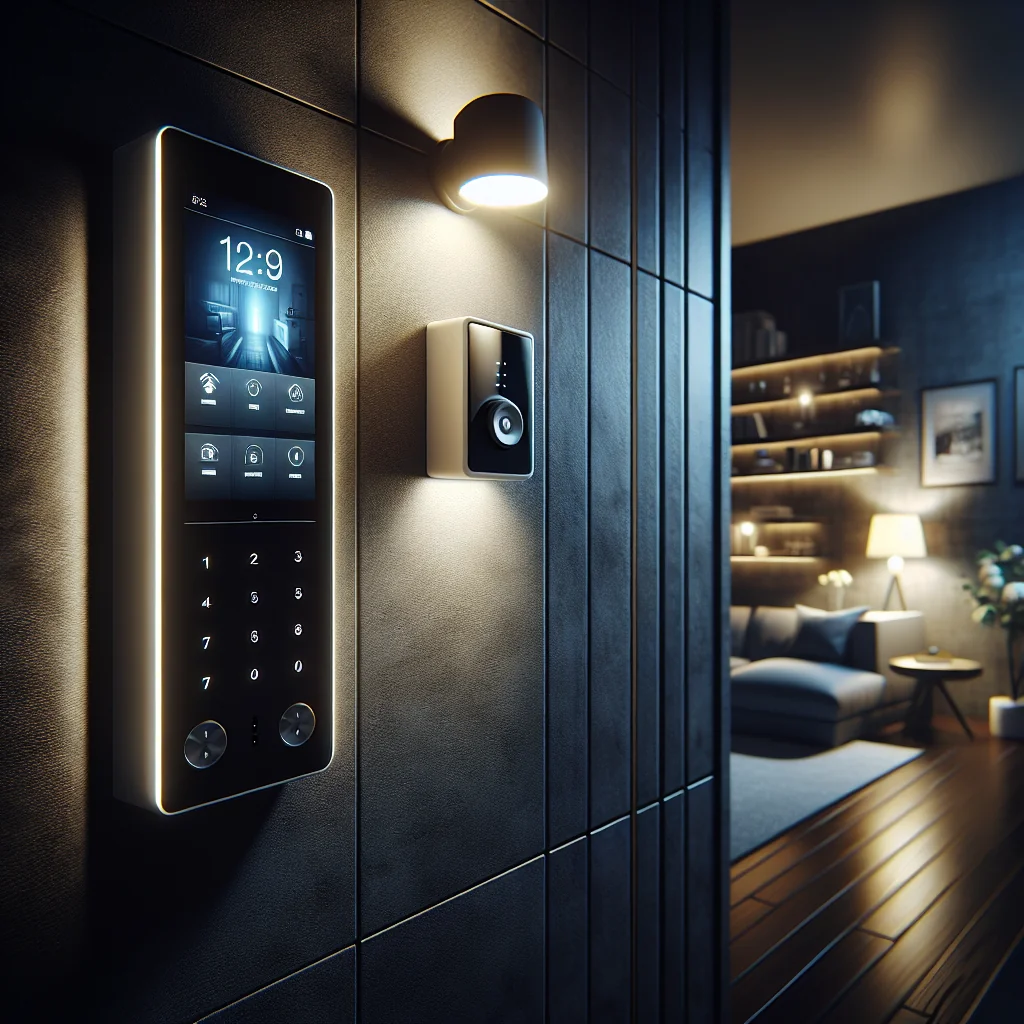
- Keypad or touch screen: Lets you arm, disarm, and check system status inside your home.
- Door and window sensors: Trigger when an entry point opens while the system is armed.
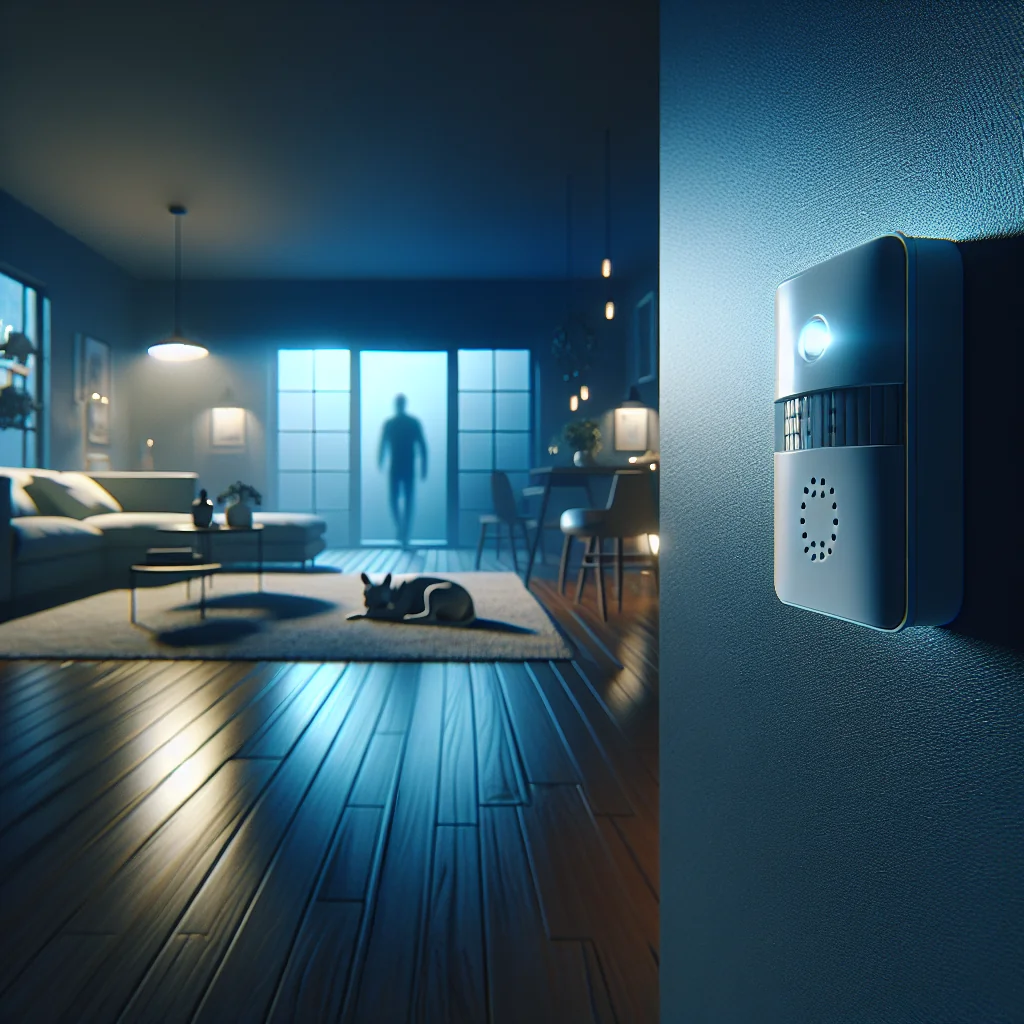
- Motion detectors: Watch for movement in a room, often using infrared to sense body heat.
- Glass-break sensors: Listen for the sound pattern of breaking glass near windows or doors.
- Indoor and outdoor sirens: Make loud noise to scare intruders and alert neighbors.
- Security cameras: Provide live and recorded video; some support two-way audio.
- Smoke and heat detectors: Alert for fire and can trigger a monitored fire response.
- Carbon monoxide sensors: Detect dangerous CO levels that you cannot see or smell.
- Flood or leak sensors: Warn you of water where it should not be, such as basements or under sinks.
- Panic buttons or wearable pendants: Let you call for help fast in a medical or security emergency.
- Mobile app: Lets you arm, disarm, view alerts, and watch cameras from your phone.
Most providers let you mix and match these devices. Focus on covering doors, easy entry points, and high-value areas first, then add more sensors if your budget allows.
How Professional Monitoring Works Step by Step
Professional monitoring follows a clear chain of events. Knowing the steps helps you see the difference between a monitored system and a simple self-monitored setup.
In most modern systems, communication happens over cellular or broadband, with backup options for power and network outages. The exact script can vary by provider and country, but the flow is similar.
Typical Monitoring Flow for an Alarm Event
This example shows what often happens when your alarm triggers while you are away.
- Sensor activates: A door opens, motion is detected, or a smoke sensor trips.
- Signal sent: The control panel sends data to the monitoring center through the chosen connection.
- Event reviewed: Software classifies the signal type (burglary, fire, medical, tamper, low battery).
- Verification attempt: Operators may call your primary number or use two-way audio from the panel.
- Contact list used: If you do not answer, the operator may call backup contacts you listed.
- Emergency services notified: If the event seems real or life-threatening, the operator calls police, fire, or medical services.
- Follow-up updates: The monitoring team informs you of what happened and what actions they took.
- Incident logged: The event is stored in your account history for review later.
Some regions require extra verification before dispatch, such as audio, video, or a second sensor trigger. Ask providers how they handle false alarms and what your local rules are.
Monitored vs Self-Monitored Alarm Systems
Many modern alarm kits can work with or without professional monitoring. Understanding the trade-offs helps you decide which model fits your risk level, budget, and lifestyle.
A self-monitored system sends alerts to your phone, but you are responsible for calling emergency services. A professionally monitored system adds another layer of response, which can be vital if you miss a notification or cannot safely make a call.
Monitoring also affects insurance discounts, false alarm handling, and how much support you get during a crisis.
Quick Comparison: Professional Monitoring vs Self-Monitoring
This table highlights core differences that matter for most homeowners.
| Aspect | Home Alarm System With Monitoring | Self-Monitored Alarm System |
|---|---|---|
| Who responds first | 24/7 monitoring center plus you | You and your contacts only |
| Ongoing cost | Monthly or yearly fee | Usually no fee after equipment cost |
| Emergency dispatch | Operator can call police, fire, or medical | You must call emergency services yourself |
| Reliance on your phone | Lower; center acts even if you miss alerts | High; missed alerts mean no action |
| False alarm handling | Staff follow a script to verify events | You decide what is real or false on your own |
| Insurance discounts | Often eligible, depending on provider | Less common; varies by insurer |
| Best for | Higher risk homes, frequent travelers, rentals, families | Tech-savvy users, low-risk areas, tight budgets |
Some systems let you switch between modes. You might start with self-monitoring, then add a subscription later if you feel you need more backup.
Costs and Contracts for a Home Alarm System With Monitoring
Costs vary by country, provider, and whether you choose a DIY or professional install. You generally pay for equipment upfront or in installments, then a monthly fee for monitoring.
Traditional providers often use long-term contracts with early termination fees. Newer DIY brands tend to offer month-to-month plans with no long lock-in. Always read the agreement before you sign or subscribe.
Besides the main fee, check for add-ons such as video storage, extra user codes, or special response services. These small charges can add up over time.
How to Choose the Right Monitoring Level for Your Home
Choosing a home alarm system with monitoring starts with your real risks and daily habits. The best system for a city apartment will differ from a remote house or a large family home.
Think about who lives in the home, what you want to protect, and how often the property is empty. Combine that with your budget and your comfort level with technology.
Use these questions as a simple framework while you compare providers and plans.
Questions to Ask Before You Commit
As you evaluate options, ask yourself and the provider these key questions. Honest answers will guide you toward a system that fits your life, not just a list of features.
- Do I need 24/7 monitoring for burglary only, or also for fire and medical alerts?
- How often is my home empty for long hours or days?
- Is my neighborhood at higher risk for break-ins or property crime?
- Do I have children, older adults, or people with health issues at home?
- Am I comfortable handling all alerts myself through an app?
- How much can I spend on equipment and monthly fees without stress?
- Do I want a long-term contract or a flexible month-to-month plan?
- Which connection types are reliable at my address: broadband, cellular, or both?
- How will the system handle power cuts and internet outages?
- Can I expand the system later with more sensors or smart home devices?
Take notes as you go through these questions with each provider. Clear answers make it easier to compare offers side by side and avoid being swayed by marketing language.
Practical Tips for Getting the Most From Monitoring
Once you choose a home alarm system with monitoring, a few simple habits can improve safety and reduce false alarms. These steps also help you feel more confident using the system every day.
First, make sure every adult in the home knows how to arm, disarm, and use panic features. If you have children, teach them simple rules, such as not sharing codes and what to do if the alarm sounds.
Test your system regularly, following your provider’s rules. Update contact lists, user codes, and app access when people move in or out. Good upkeep keeps your monitoring service useful and avoids surprises.
Is a Home Alarm System With Monitoring Worth It?
For many homes, professional monitoring adds real peace of mind. The service cannot prevent every crime or emergency, but it gives you trained help during stressful moments, day or night.
If you live in a higher-risk area, travel often, or have people who may need fast help, monitoring is usually worth the fee. If your budget is tight and risk is low, a self-monitored system with strong habits might be enough for now.
Start from your needs, not from features. Once you understand how a home alarm system with monitoring works, you can choose a setup that feels safe, fits your budget, and can grow with your life.